05 / Questions
Before you buy.
Everything you need to decide if this planner fits the way you work.
What ends on October 25?+
This Content Planner sale with bonus ends at 23:59 in the displayed time zone. This is our sales deadline, not the expiry date of your link or a Google redemption deadline. Paid orders retain access under their existing conditions. Activate your link as soon as possible. Offers in other time zones may close at a different time.
What do I receive?+
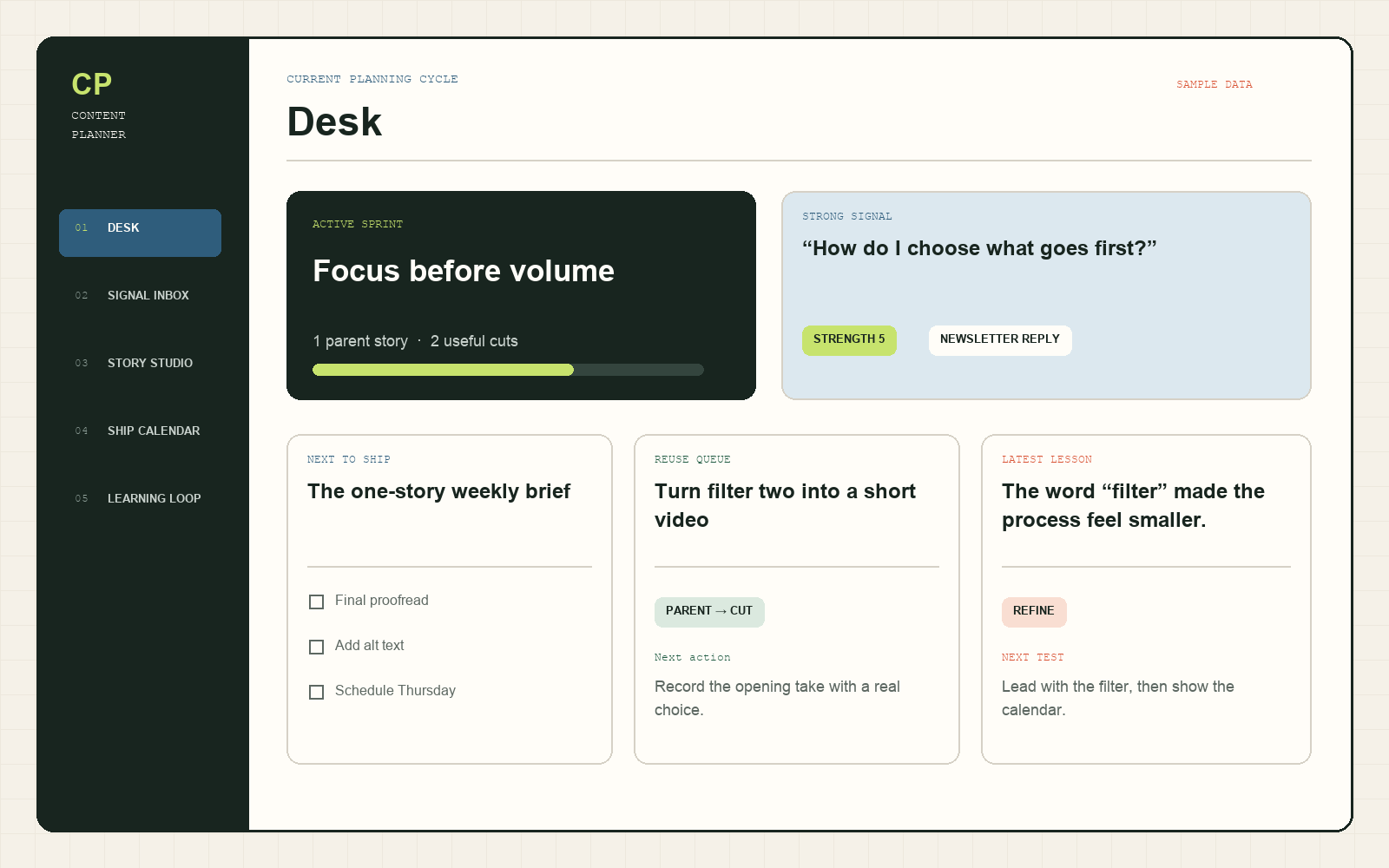
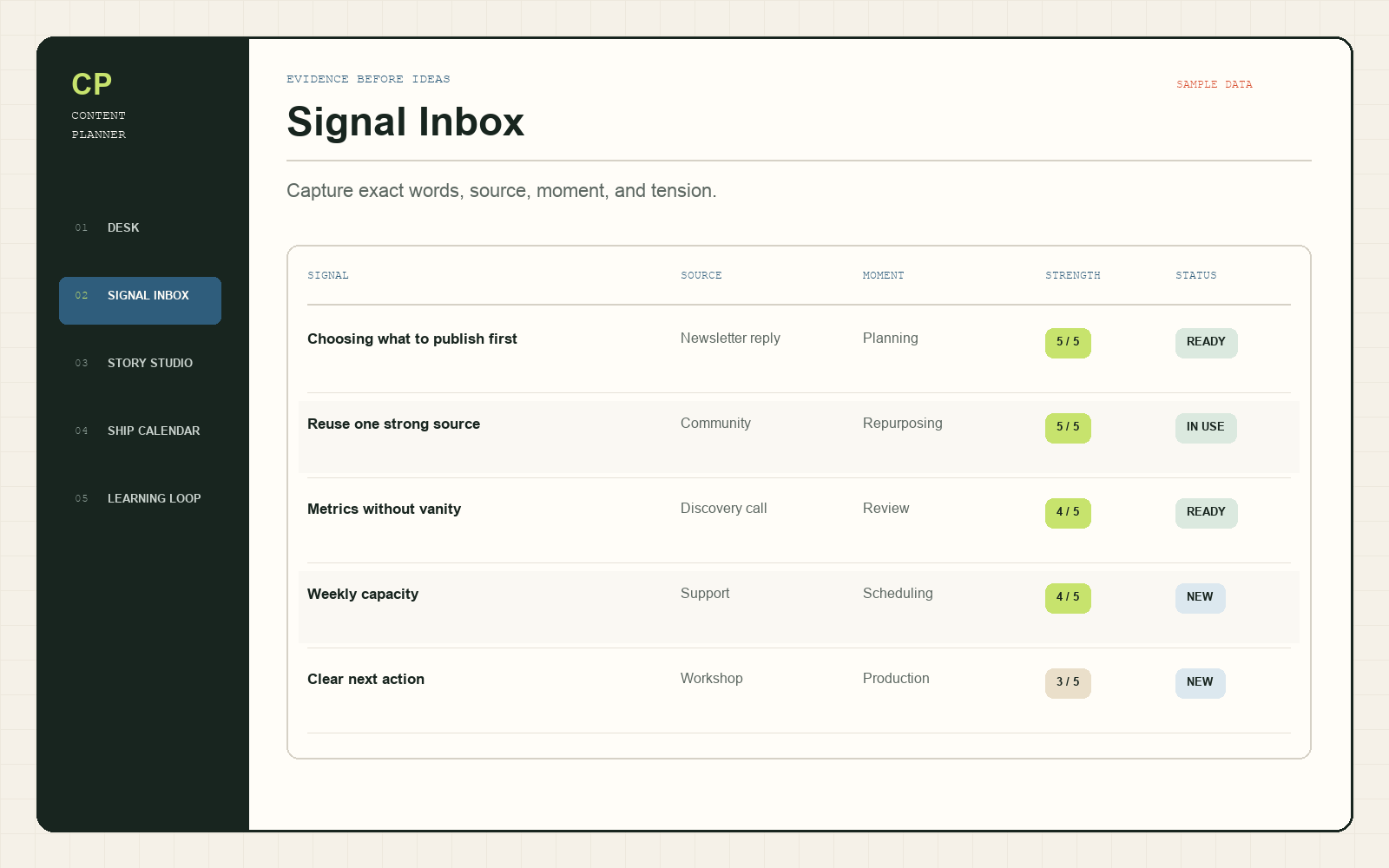
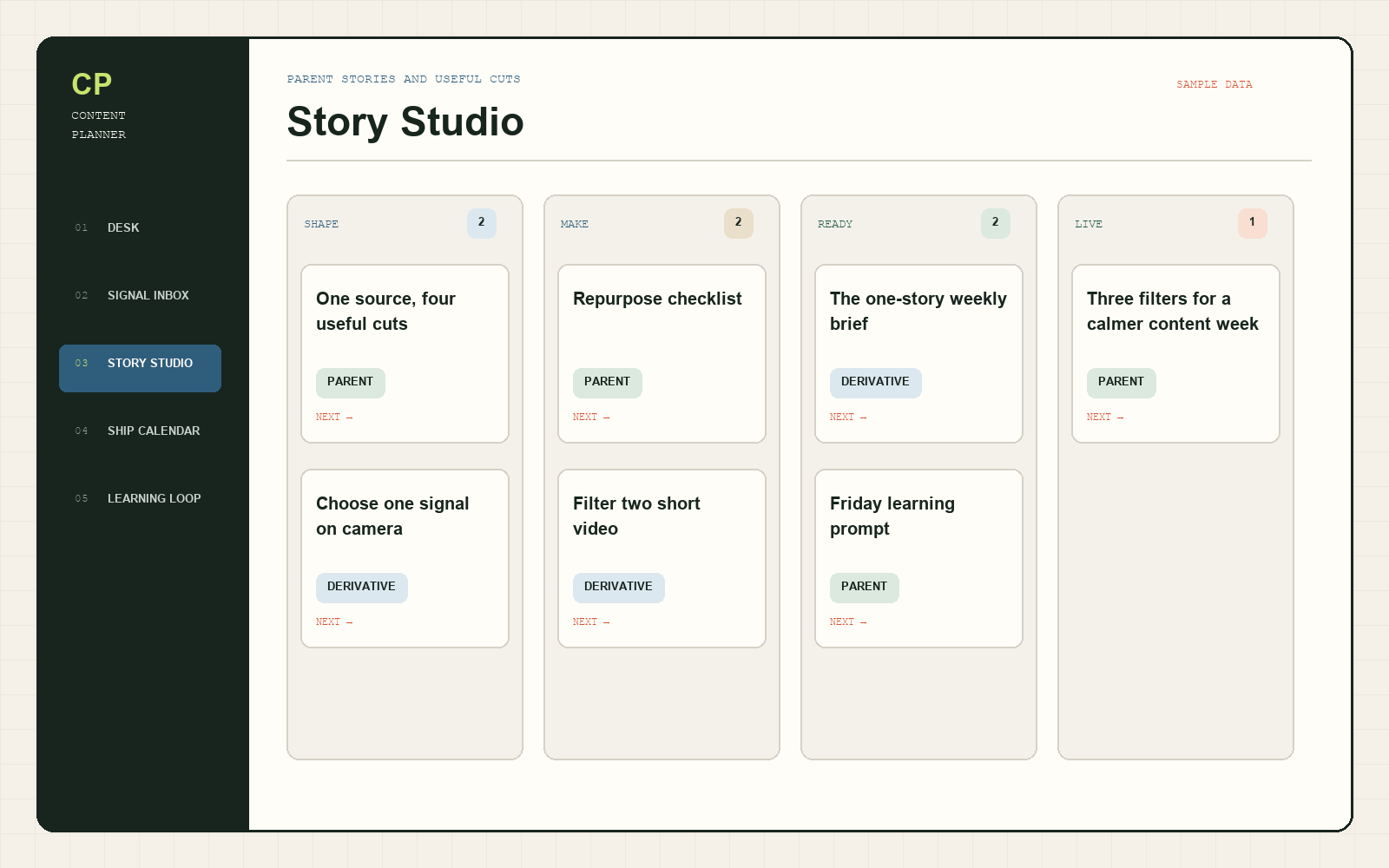
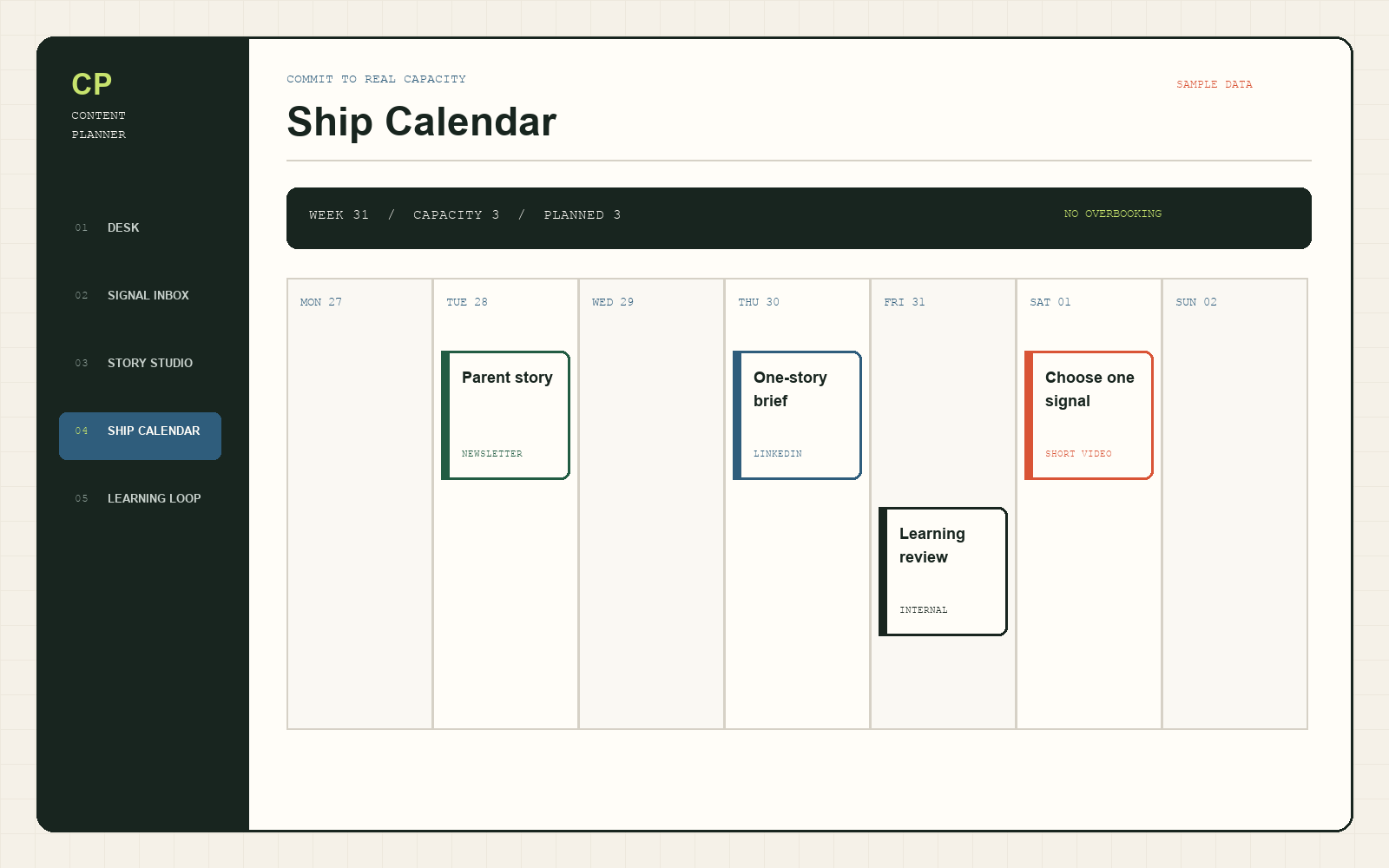
You receive the complete Content Planner import pack: coordinated Markdown pages and UTF-8 CSV databases, sample and clean starter data, the Start Here guide in PDF and accessible HTML, a printable Weekly Rhythm, a preview, and the end-user or internal-business license.
Is this a one-click Notion template link?+
No. This edition is an honest Notion-ready import kit, not a public template link. Import the supplied Markdown and CSV files into your own workspace, then use the visual guide to set property types, relations, and saved views.
What do I need to use it?+
You need a Notion account and access to Notion on desktop or the web for the initial import. Notion is a third-party service with its own current features, plan limits, and terms.
Is this a subscription?+
No. It is a one-time payment of $12 USD per unit. You can choose 1–10 units, and applicable taxes and payment charges are shown at checkout before you pay.
Can I buy more than one unit?+
Yes. Choose 1–10 units before opening checkout. Each paid unit covers one individual end user or the internal operations of one business and includes one unique bonus link. Three units provide three licenses and three bonus links.
How does batch availability work?+
The live count shows units available in the current batch. Browsing does not reserve stock. Opening checkout holds your selected units for up to 10 minutes, so complete payment before the hold expires. When a batch sells out, arranging new stock can take time and no date is guaranteed.
When will I receive the files?+
Your secure order page provides the files and activation links immediately after payment is confirmed. We also send a recovery email, and access remains active for 30 days.
Can I get a refund?+
Digital purchases are covered by the Refund and Cancellation Policy and any mandatory consumer rights. Support will help with non-delivery, corrupted files, a product materially not as described, or payment errors.
What kind of content can I plan?+
It works well for social posts, short videos, newsletters, podcasts, articles, and other recurring creator-led content. You can rename channels, formats, stages, and views.
What does Content Planner not do?+
It does not write, schedule, publish, or promise growth for you. It also does not ask you to store social passwords. It gives signals, production choices, derivatives, and lessons one clear place to live.